Back to School PNG Sublimation Bundle
If you're crafting custom apparel, classroom decor, or personalized back-to-school gifts—and doing it efficiently—you’ll want design assets that work *with* your workflow, not against it. The Back to School PNG Sublimation Bundle is built for exactly that: real-world versatility, technical readiness, and creative flexibility. It’s not just a collection of clipart—it’s a purpose-built toolkit for makers who print on mugs, press onto t-shirts, cut vinyl for stickers, or layer designs into digital invitations.
What Makes This Bundle Stand Out Visually—and Functionally
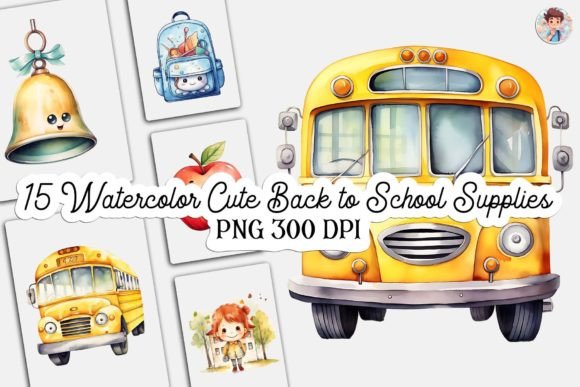
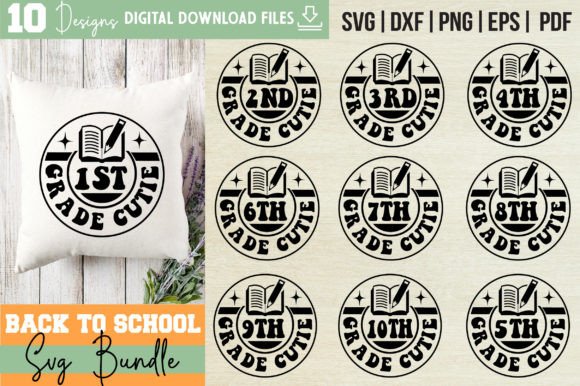
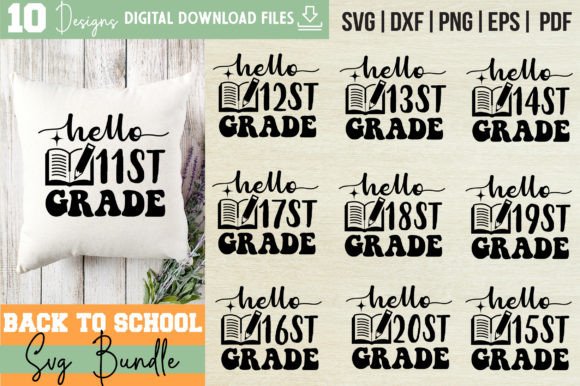
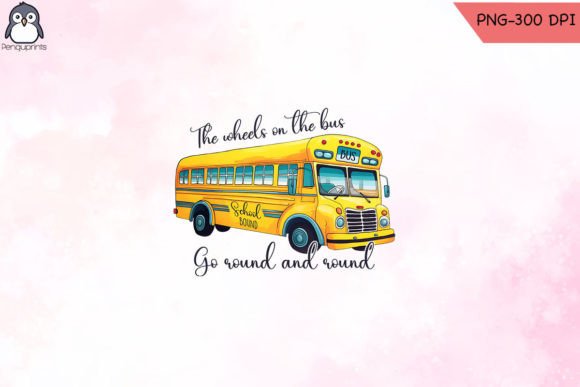
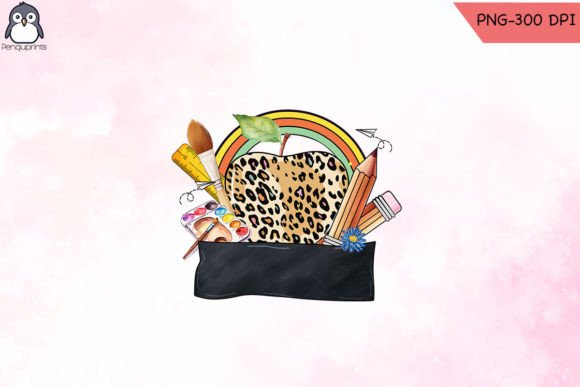
The designs in the Back to School PNG Sublimation Bundle lean into cheerful, clean, and classroom-friendly aesthetics—think chalkboard textures with crisp outlines, friendly pencil motifs, open books with subtle shadows, and playful “First Day” banners rendered with balanced negative space. There’s no visual clutter: each element is intentionally simplified for sublimation transfer clarity and cutting-machine precision. That means no fuzzy edges when scaled up for a 16x20 pillow cover—or down for a 1.5-inch enamel pin.
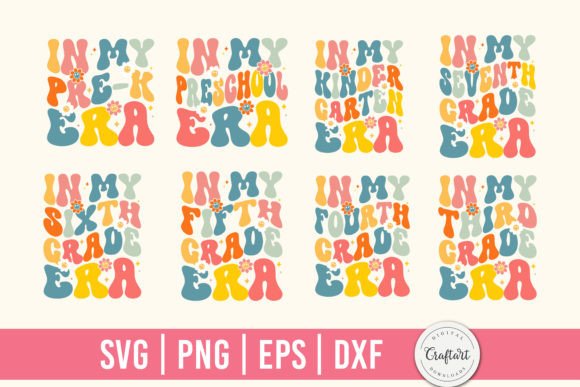
Unlike generic school-themed graphics found on free resource sites, these files were created with production in mind. The vector formats (SVG, EPS, DXF) retain full editability—change stroke weight, isolate individual letters in a wordmark, or convert text to paths without losing fidelity. The PNGs are high-resolution (300 DPI), transparent-background, and pre-optimized for sublimation ink absorption—no extra masking or color correction needed before printing.
Where These Designs Actually Shine in Practice
This bundle isn’t just for t-shirt shops. Its strength lies in adaptability across contexts where consistency and clarity matter:
- Small business branding: Use the “Welcome Back” motif as a recurring visual anchor across your Etsy shop banner, product labels, and Instagram story highlights—creating instant recognition without repeating the same photo every time.
- Educational content creation: Teachers and curriculum designers embed the apple-and-pencil icons into editable Google Slides templates or Canva worksheets—keeping visuals cohesive while maintaining accessibility (e.g., sufficient contrast, scalable elements).
- Local event merch: A PTA organizing a “School Supply Drive” can quickly customize one of the SVG files with their school colors and cut vinyl decals for reusable tote bags—no designer on retainer required.
- Digital publishing: Bloggers writing about homeschool routines use the PNGs as subtle dividers or section headers in newsletters—adding thematic warmth without slowing load times.
Notice what’s missing? Overly cutesy fonts, forced nostalgia, or dated clipart tropes. Instead, there’s quiet confidence in the line work, thoughtful spacing between icon and label, and intentional restraint in detail—traits that translate directly into perceived professionalism.
Why File Format Variety Isn’t Just Technical—It’s Strategic
Having SVG, EPS, DXF, and PNG files in one download isn’t about checking boxes. It’s about matching the right tool to the job:
- SVG works natively in Cricut Design Space and Silhouette Studio—ideal for layered cuts with registration marks and weeding lines.
- DXF is your go-to for older cutting machines or laser engravers that don’t read SVG reliably.
- EPS ensures compatibility with Adobe Illustrator workflows—especially useful if you’re integrating these assets into larger brand guidelines or packaging mockups.
- PNG gives immediate drag-and-drop utility for non-designers: paste into PowerPoint for a parent meeting slide, drop into a Shopify product image, or add to a Canva social post—all without opening vector software.
This format diversity also future-proofs your investment. If you switch from Cricut to a Glowforge next year—or start selling printable planners alongside physical goods—you won’t need to hunt for new assets. You already have them, ready to deploy.
Realistic Guidance for Choosing—and Using—These Files
Before downloading, ask yourself two practical questions:
- Do I control the output medium? If you’re sublimating onto polyester blends, the PNGs will hold up beautifully. If you’re printing on cotton tees with heat-transfer vinyl, lean on the SVG/DXF versions for sharper cut lines.
- How much customization do I realistically need? The bundle includes 10 unique designs—not 100. That’s intentional. Too many options lead to decision fatigue; too few limit reuse. Test one file first: resize it 200%, then 25%, check how legibility holds up at both ends. If the pencil icon remains recognizable at thumbnail size and reads cleanly on a 12oz mug, you’ve got a keeper.
Also worth noting: this is a digital download only. No shipping, no inventory, no waiting. You get full commercial license rights—meaning you can sell products made using these files (t-shirts, mugs, stickers) without royalties or attribution. But remember: the license covers end-use, not redistribution. You can’t resell the SVG files themselves or claim them as your original artwork.
Final Thought: Design Assets Should Serve Your Goals—Not Define Them
The Back to School PNG Sublimation Bundle succeeds because it doesn’t try to be everything. It doesn’t mimic trending design styles just to look “modern.” It doesn’t overload you with variations that dilute focus. Instead, it delivers what experienced crafters and small business owners actually reach for: clean lines, reliable scalability, cross-platform compatibility, and quiet visual confidence. Whether you’re pressing 50 backpack tags for a local charter school or building a seasonal product line for your Etsy shop, these files let you move faster—without sacrificing quality or brand coherence.
That kind of reliability isn’t accidental. It’s the result of designing *for* the tools people use, *with* the constraints they face, and *alongside* the deadlines they juggle. And that’s why, come August, this bundle ends up in more project folders than you’d expect—not as decoration, but as infrastructure.